Step 1: Receive Your QR Code
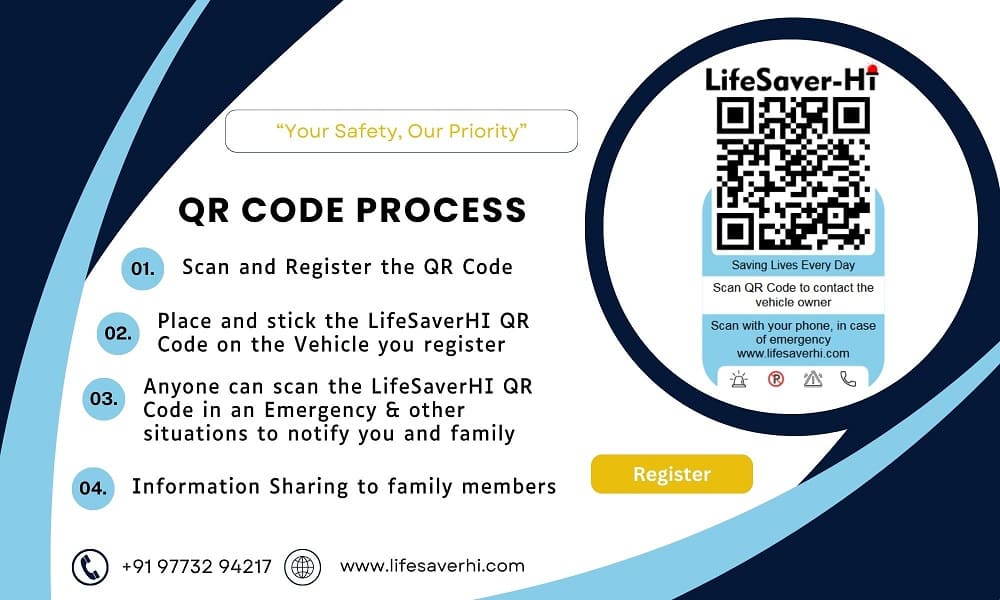
Once you receive your QR code, stick it on your vehicle. Scan it using any QR code scanner, such as Google Lens or similar apps. An activation page will open.
Step 2: Activate Your QR Code
Click on the "Activate QR" button.
Step 3: Verify Your Registration Details
Enter the registered mobile number and vehicle plate number used during your purchase of the QR code.
Step 4: Verify and Authenticate
Click on the "Verify" button. Then, enter the OTP sent to your registered mobile number. Once verified, your QR code is active, but additional information is required for full activation.
Step 5: Log In to Your Account
Log in to your account using the "Login" button.
Step 6: Fill in Necessary Details
Complete your profile by adding:
- Contact numbers, email IDs, and WhatsApp numbers of three family members.
- Upload your driving license and vehicle RC book.
(Note: Failure to upload or incorrect uploads may lead to service deactivation.)
Inform your emergency contacts to save the LifeSaverHI number (9773294217) and email (support@lifesaverhi.com) in their contact list to receive alerts.
Step 7: Update Health Information
Navigate to "My Profile" and add your complete health details.
Step 8: Affix the QR Code to Your Vehicle
Ensure the QR code is affixed to your vehicle and is easily visible.